
CRM and pipeline setup
Pipeline stages, fields and tags that keep every lead and client record in one honest place.
- My role
- CRM implementation
- Built in
- HubSpot, Pipedrive, GoHighLevel
The problem
Most small businesses I see keep their leads in three places: an inbox, a spreadsheet and somebody's memory. Nobody can say how many people are in conversation right now, or who is due a follow-up.
A CRM only helps if its stages and fields match how the business actually sells. A default setup rarely does.
What I built
Map the real sales journey
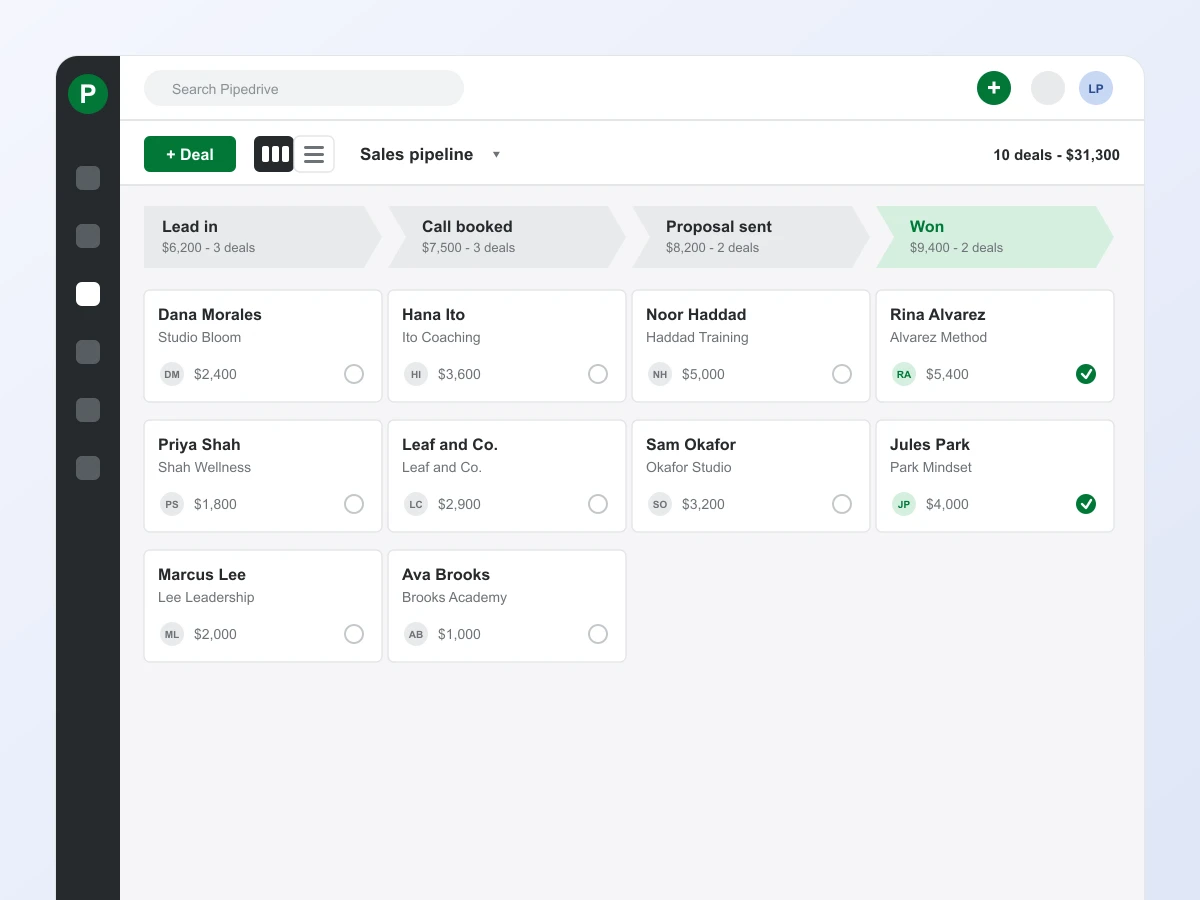
I start with how a lead actually becomes a client: where they come from, how many calls it takes, what makes a deal stall. The pipeline gets built from that, not from a template.
Keep the stages few and honest
Each stage is named for something that happened, like Call booked or Proposal sent, with a clear rule for when a deal moves on. Four to six stages is usually plenty.
Only add fields you will use
Source, offer, deal value and next step cover most of it. Tags follow a naming pattern so reports don't turn into a mess six months later.
Let automations move the cards
A booked call moves the deal to Call booked. A sent proposal starts the follow-up reminder. Less manual updating means the board stays accurate.
Hand it over
The client gets a one-page guide to how the pipeline works and a short walkthrough, so the setup keeps working after my part is done.
What changed
Every lead and client lives in one place with a clear stage and a next step. Follow-ups stop depending on memory, and the owner can see the pipeline at a glance instead of asking around.
I set these up in HubSpot, Pipedrive and GoHighLevel, and the principles are the same in all three.
- HubSpot
- Pipedrive
- GoHighLevel
Work with me
Tell me what you are selling and where things feel stuck, and we will talk through honest next steps. Book a call if you would rather talk it through, or send a message and I will get back to you within a couple of hours.
You won't find my email floating around this page, which keeps the spam bots away. This form goes straight to my inbox though.
Or send me a message